
How can we help?
Guides for the everyday things in the GenExcel app, plus a direct line to our support team.
Signing in
Email or mobile with a password, or a one-time code by SMS or WhatsApp. Reset a forgotten password with a code sent to your registered mobile.
Profiles & PINs
Tap “Who is learning?” to pick a profile. The parent PIN is created on first login; “Forgot PIN” falls back to your account password.
A child’s own phone
In the parent section, generate a one-time access code and enter it on your child’s phone to link it to the family.
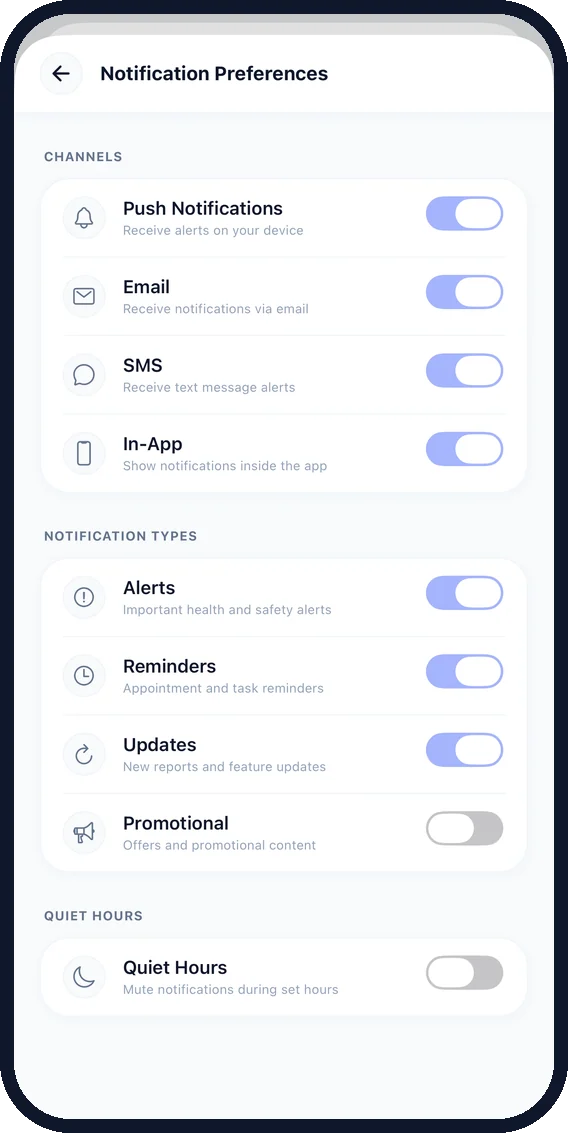
Notifications
Choose channels (push, email, SMS, in-app), categories (alerts, reminders, updates, promotional) and quiet hours.
Settings & themes
Plan, appearance, language, biometric login and app mode (School Genomics / Health & Wellness). Parents change their password here.
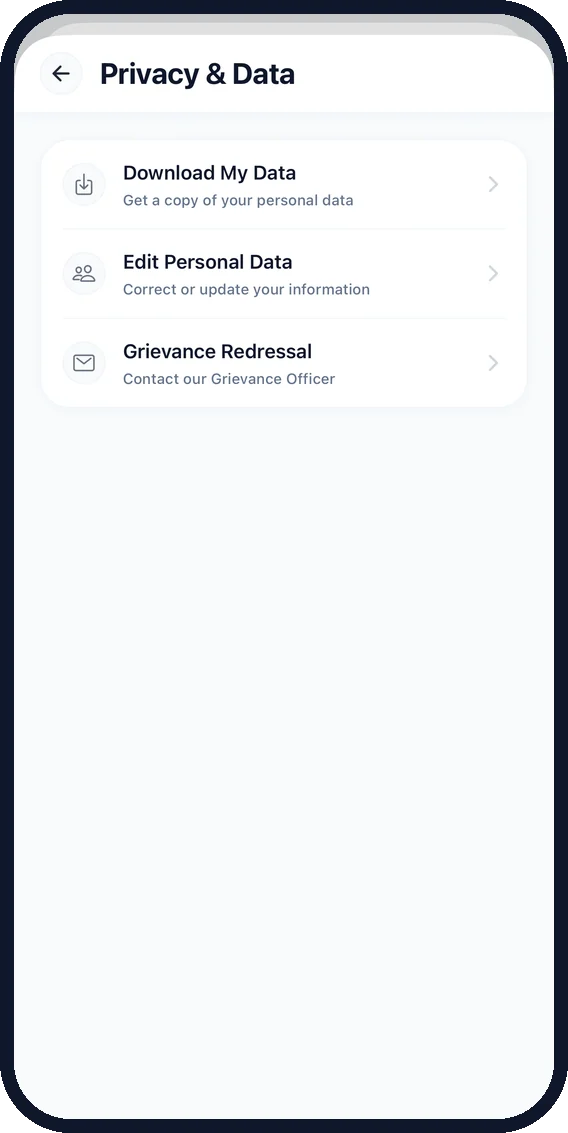
Privacy & consent
Download My Data, edit personal data, manage AI consent and reach Grievance Redressal, all under Privacy & Data.
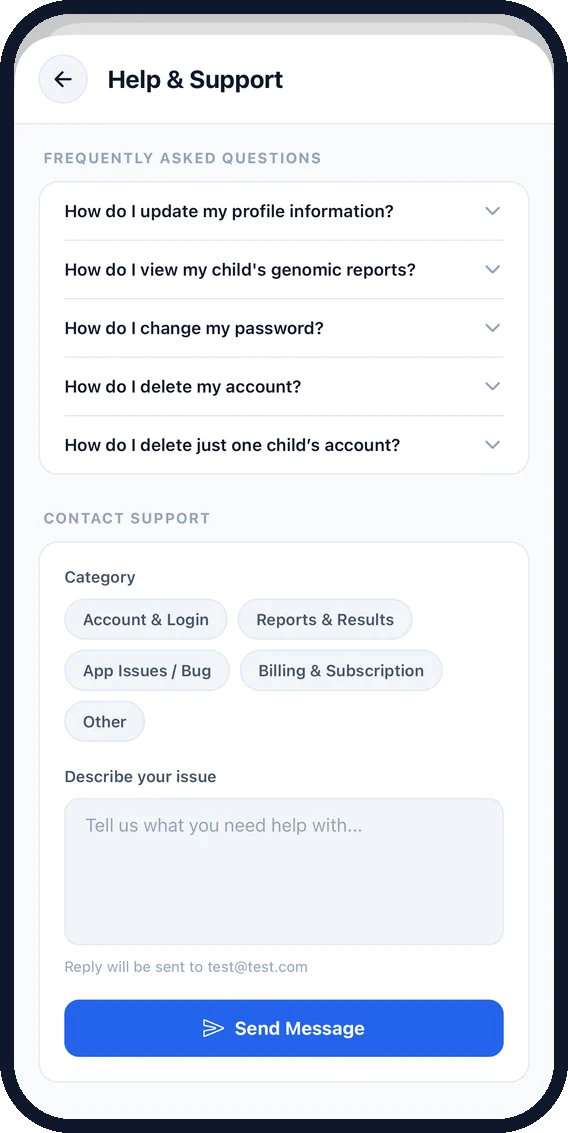
Help & Support, built in.
- FAQs inside the app
- Categorised contact form
- Privacy, Terms, DPDP and Cookie policies
- Grievance Redressal
Family & account questions.
One parent account supports up to five children. Each child signs in to their own profile with a PIN, and a one-time access code links a child’s own phone. For larger families, schools or organizations, please contact our team.